01
One tap. Fully protected.
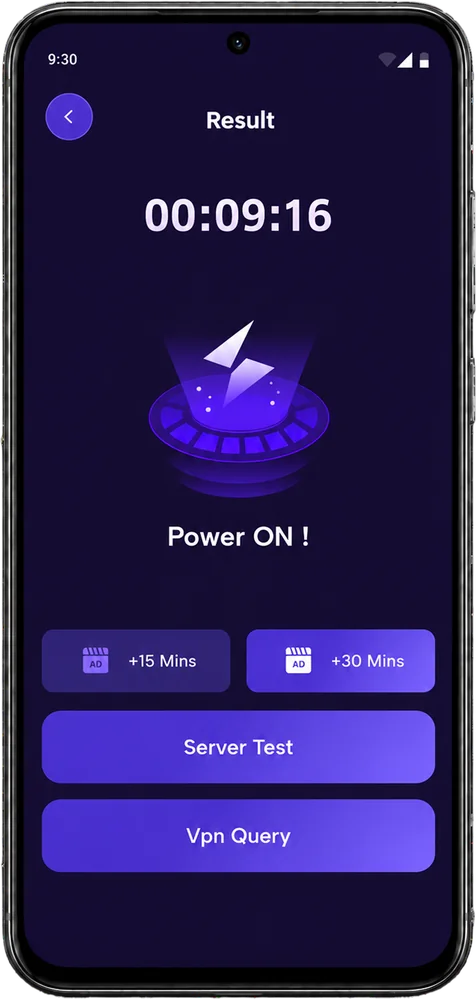
Start or stop your encrypted VPN tunnel instantly with a clear connection state and live session timer.
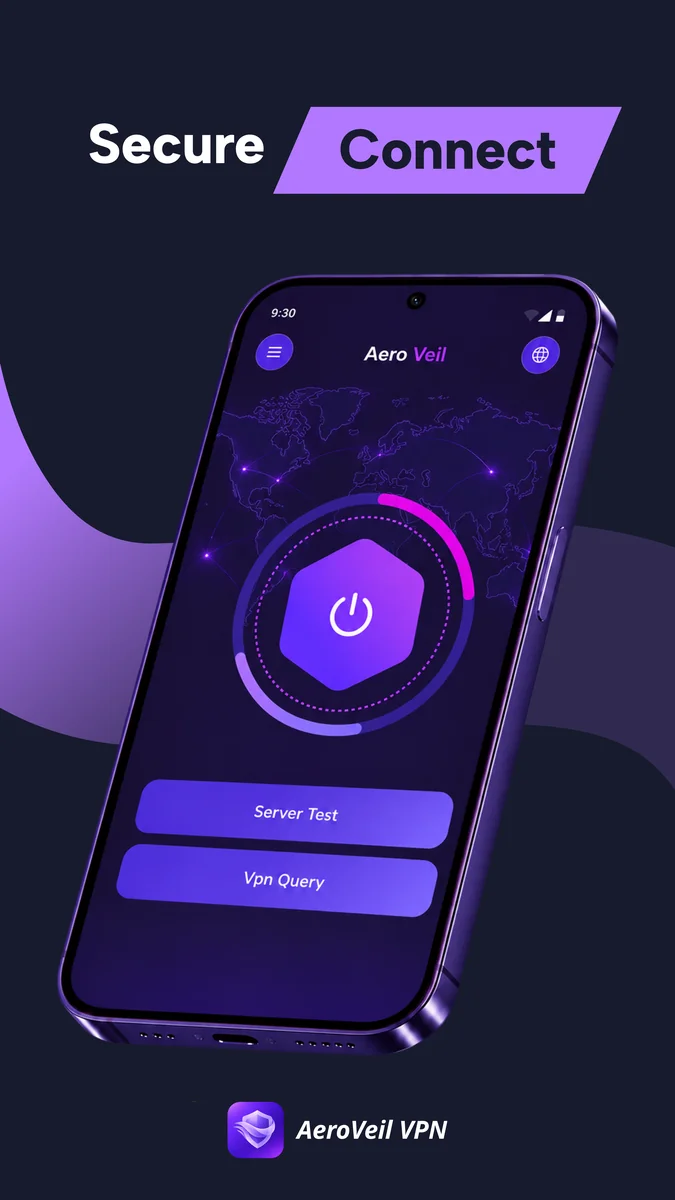
AeroVeil VPN gives you a fast, encrypted connection in one tap. See your status, session time and network performance at a glance.
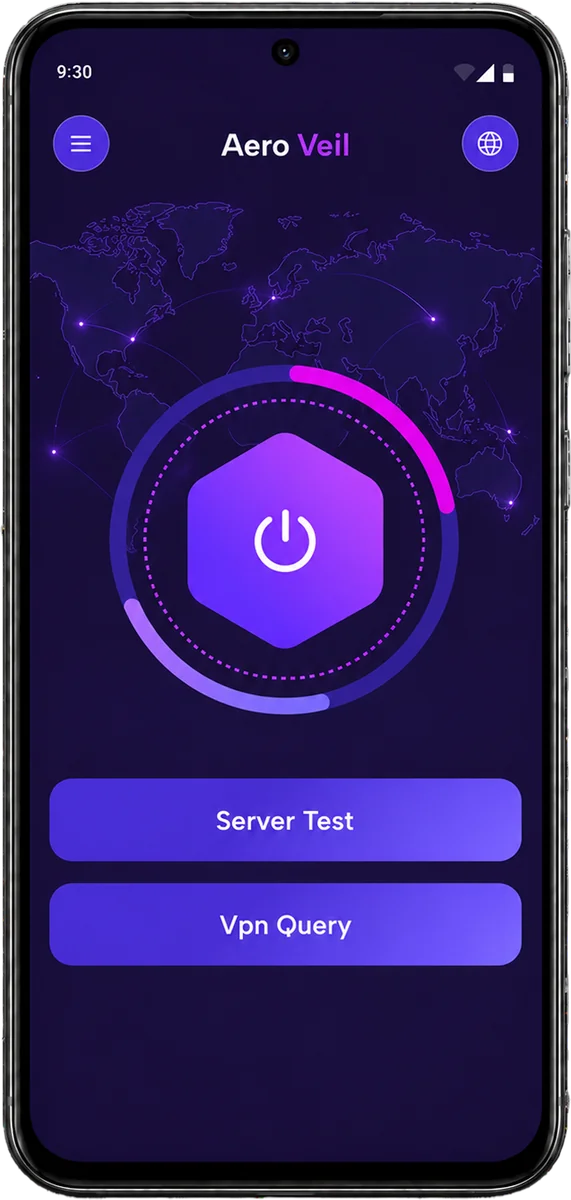
Connect, check your network and understand your connection without digging through complex settings.
Start or stop your encrypted VPN tunnel instantly with a clear connection state and live session timer.
Choose automatically or pick from four US server options. AeroVeil reconnects when you switch.
Test download speed, upload speed and latency. Check your exit country, provider and IP type.
Every essential control and connection insight is right where you expect it, from your first tap to your latest speed check.
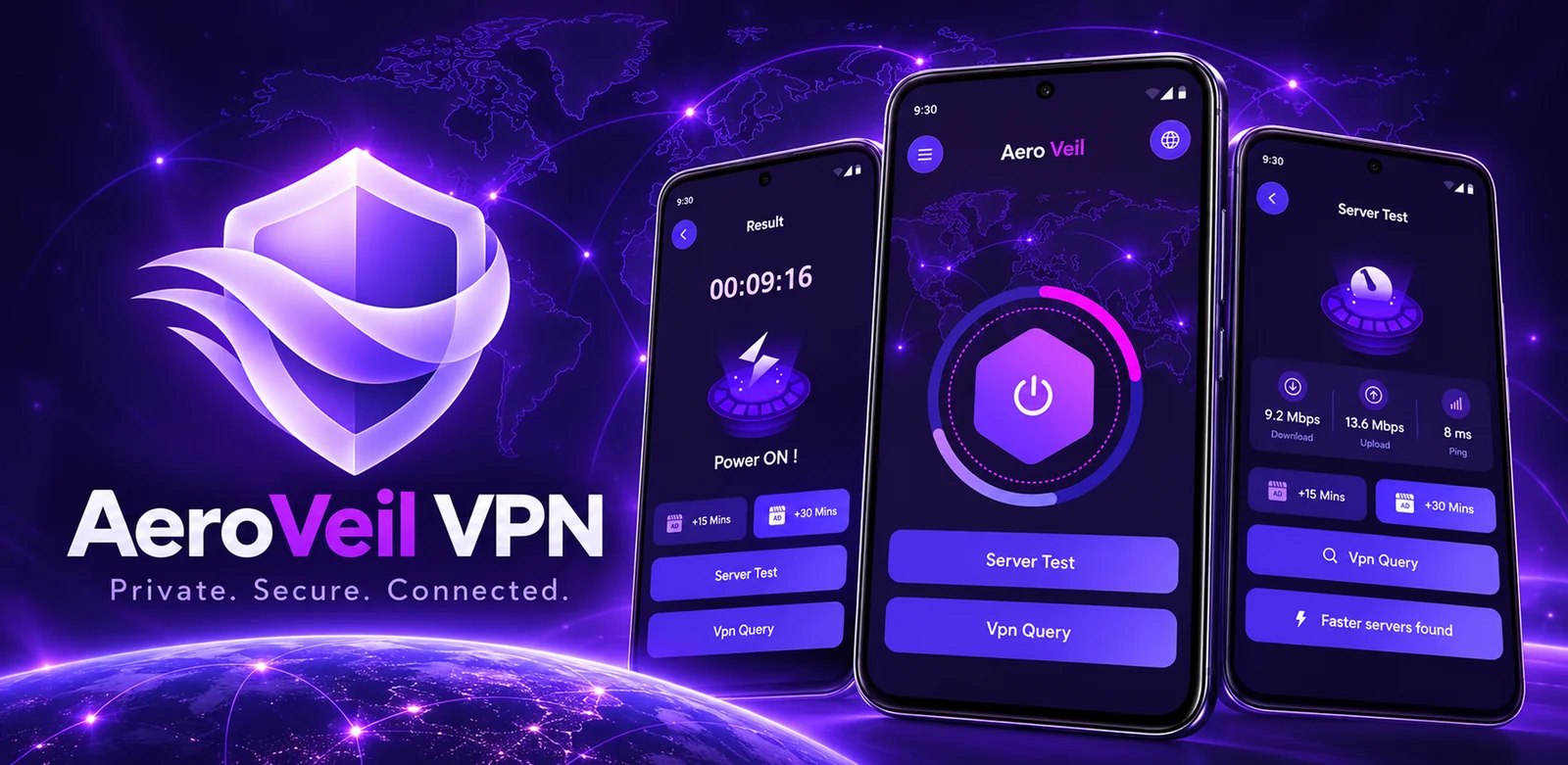
See exactly what matters while AeroVeil quietly keeps your VPN connection active in the background.
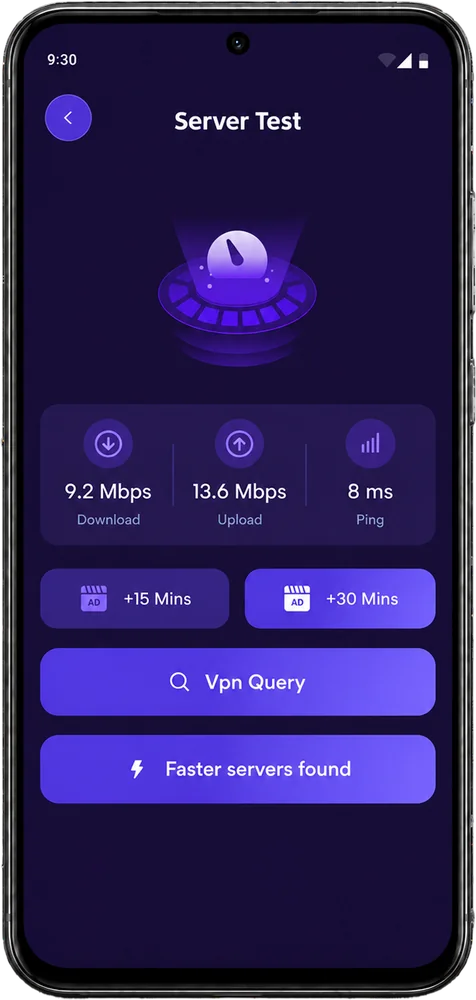
Everything you need to get started with AeroVeil VPN on Android.
Open AeroVeil VPN, tap the main connection button and approve the Android VPN permission when prompted. Your status and session time will appear as soon as the encrypted tunnel is active.
Android requires your approval before any app can create a VPN connection. AeroVeil uses this permission only to establish and maintain the VPN tunnel you request.
No. AeroVeil VPN does not collect, store or log browsing activity, connection history, DNS queries, traffic destinations or transmitted content. See our Privacy Policy for full details.
Use smart selection to let AeroVeil choose automatically, or select one of four US server options. If you switch while connected, the app reconnects for you.
AeroVeil VPN supports devices running Android 7.0 or later.
Check your internet connection, tap retry or choose another server. If the issue continues, contact us at [email protected].
 READY WHEN YOU ARE
Download AeroVeil VPN for Android and secure your connection in seconds.
GET IT ONGoogle Play